Theme settings
Theme settings apply across your whole store. Pick a preset and color scheme, then a category to see what it controls and the basic steps.
Illustrative example — this is a demonstration in the browser and isn’t connected to a Shopify store. Nothing is saved.
Preset
Color scheme · Scheme 1
Colors
TangentColor schemes and semantic tokens control section backgrounds, text, borders, buttons and accents across the storefront.
- Background#FFFFFF
- Text#000000
- Muted#6B6B6B
- Surface#F6F6F6
- Border#E3E3E3
- Button#000000
- Button label#FFFFFF
- Accent#E2B232
In your Shopify admin
- 01Open Theme settings › Colors.
- 02Edit a scheme or semantic color token, or keep the preset's values.
- 03Check contrast on light surfaces, secondary bands and buttons.
Live preview · Homepage
Width 1600px · Gap Standard · Solid Square
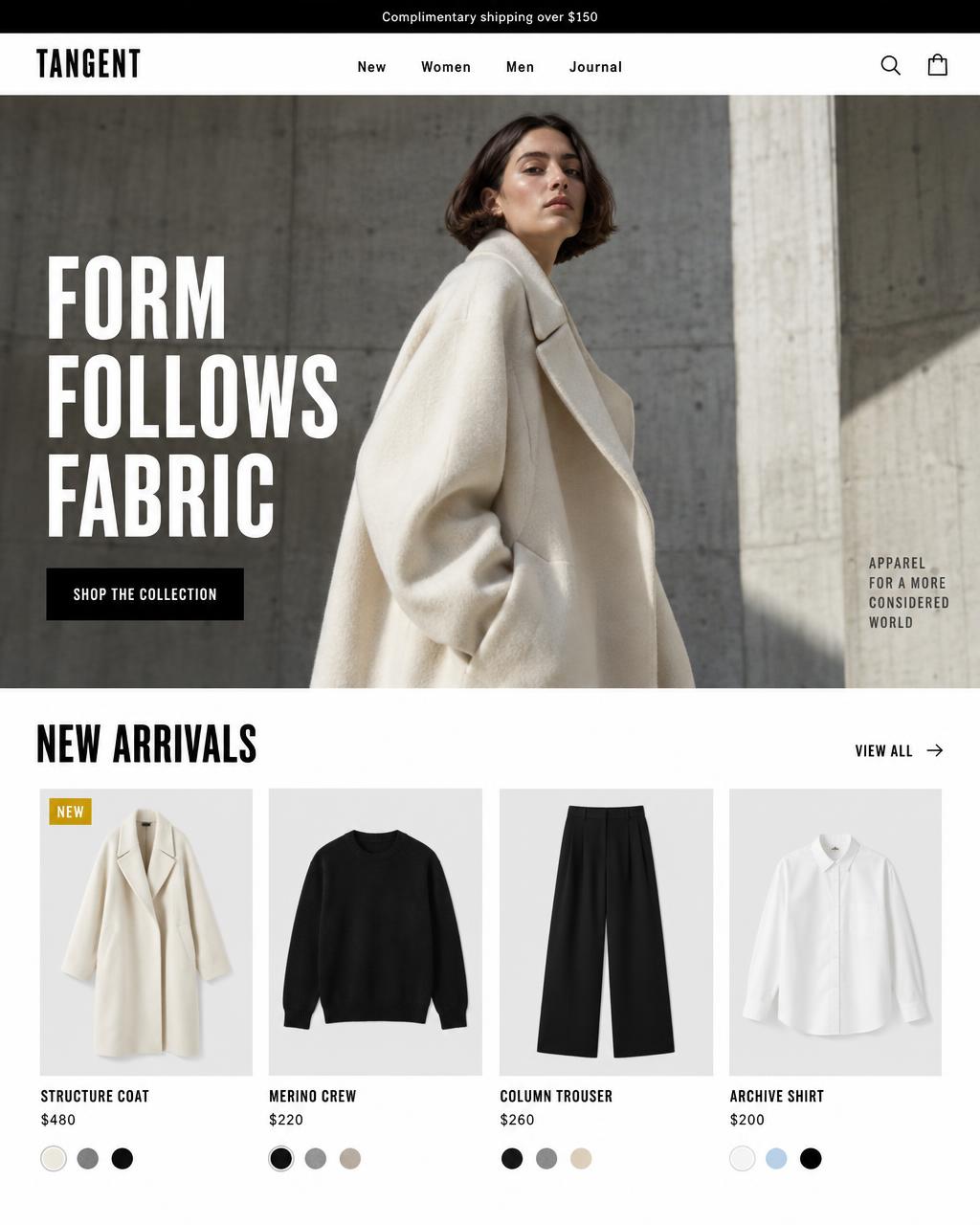
Free shipping on orders over $200
Architectural apparel
New season, considered.
Architectural minimalism tailored for modern contemporary apparel
New arrivals
View all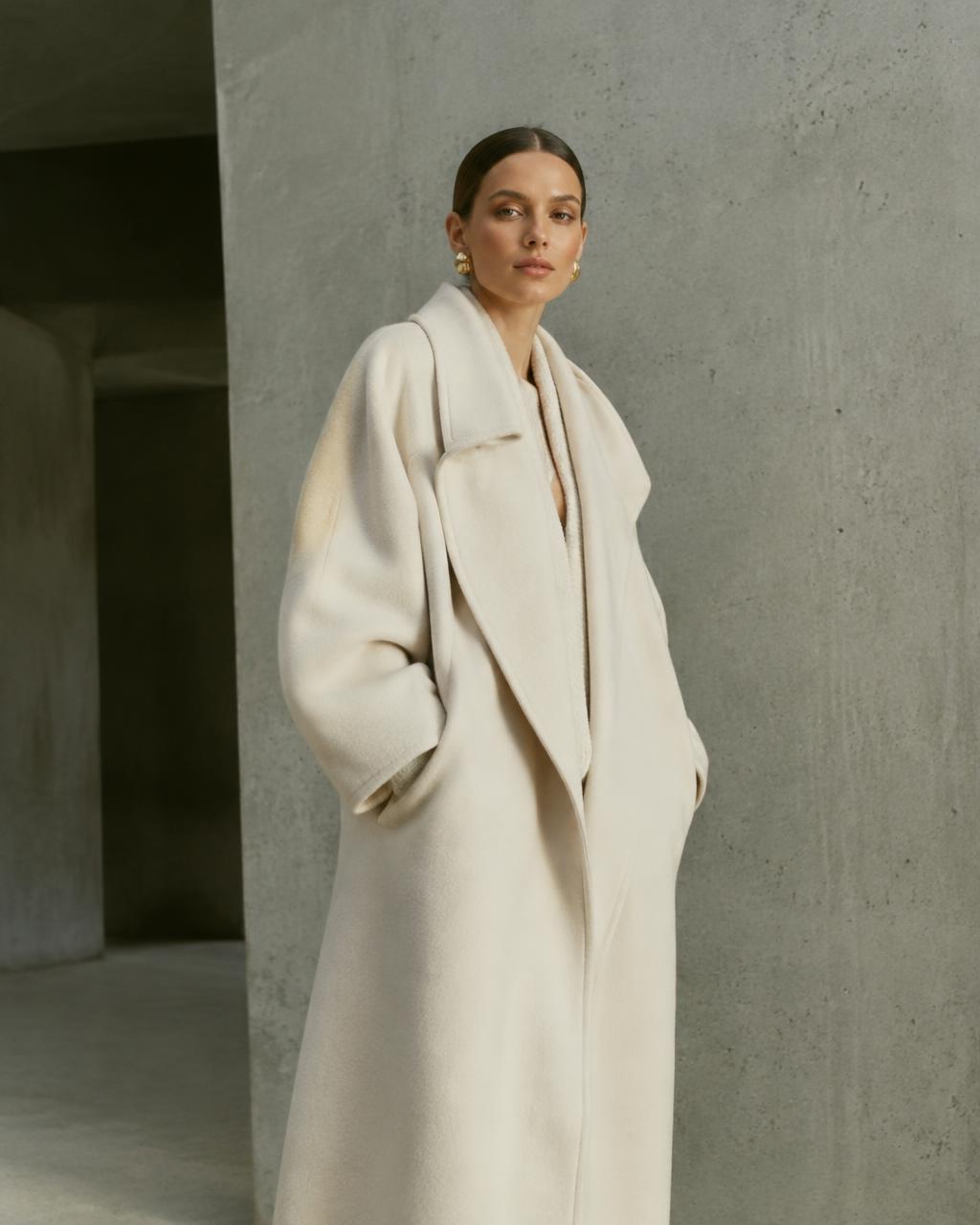
Column overshirt
$148
 Sale
Tailored trouser
$126
Field jacket
$212

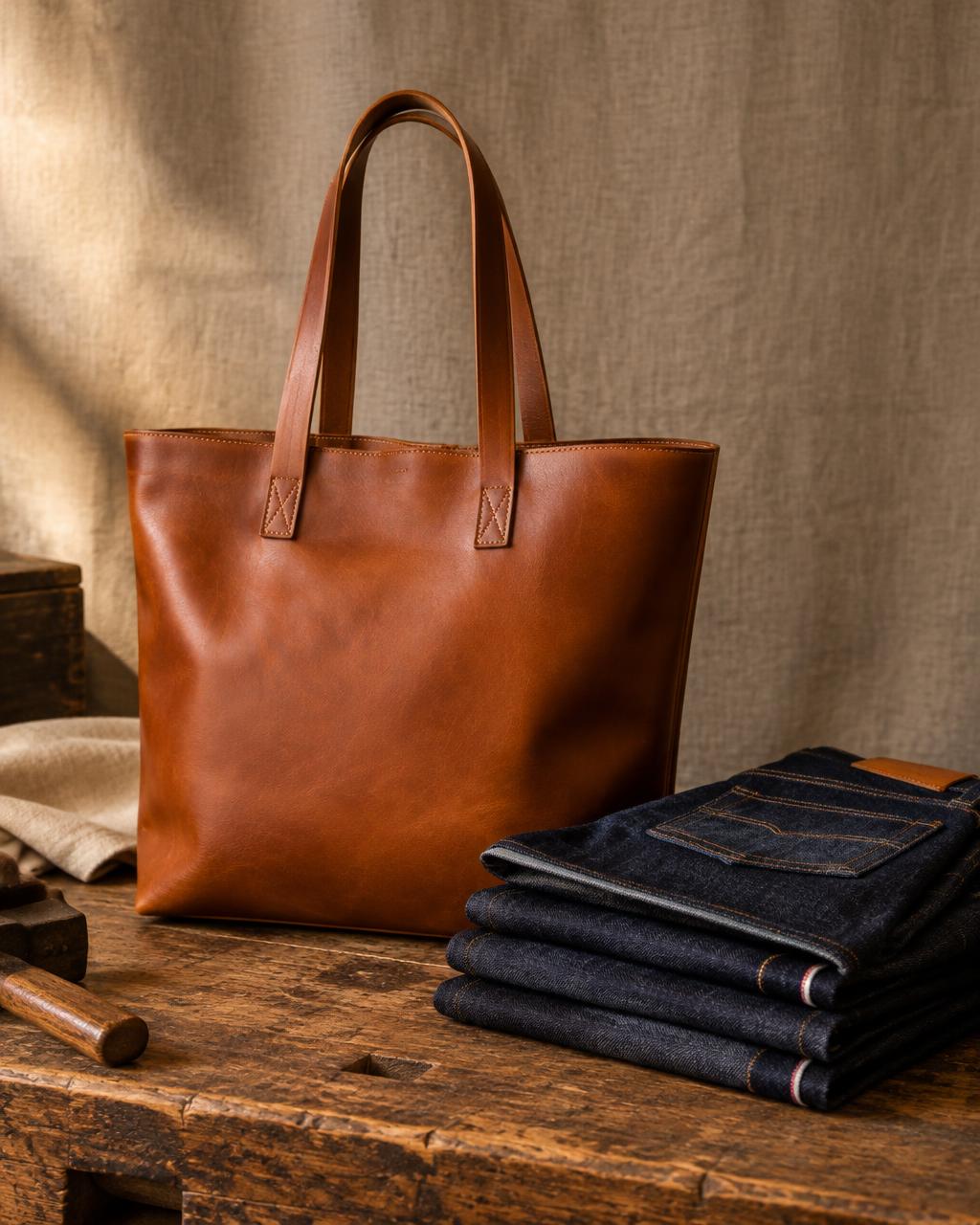
Everyday tote
$84
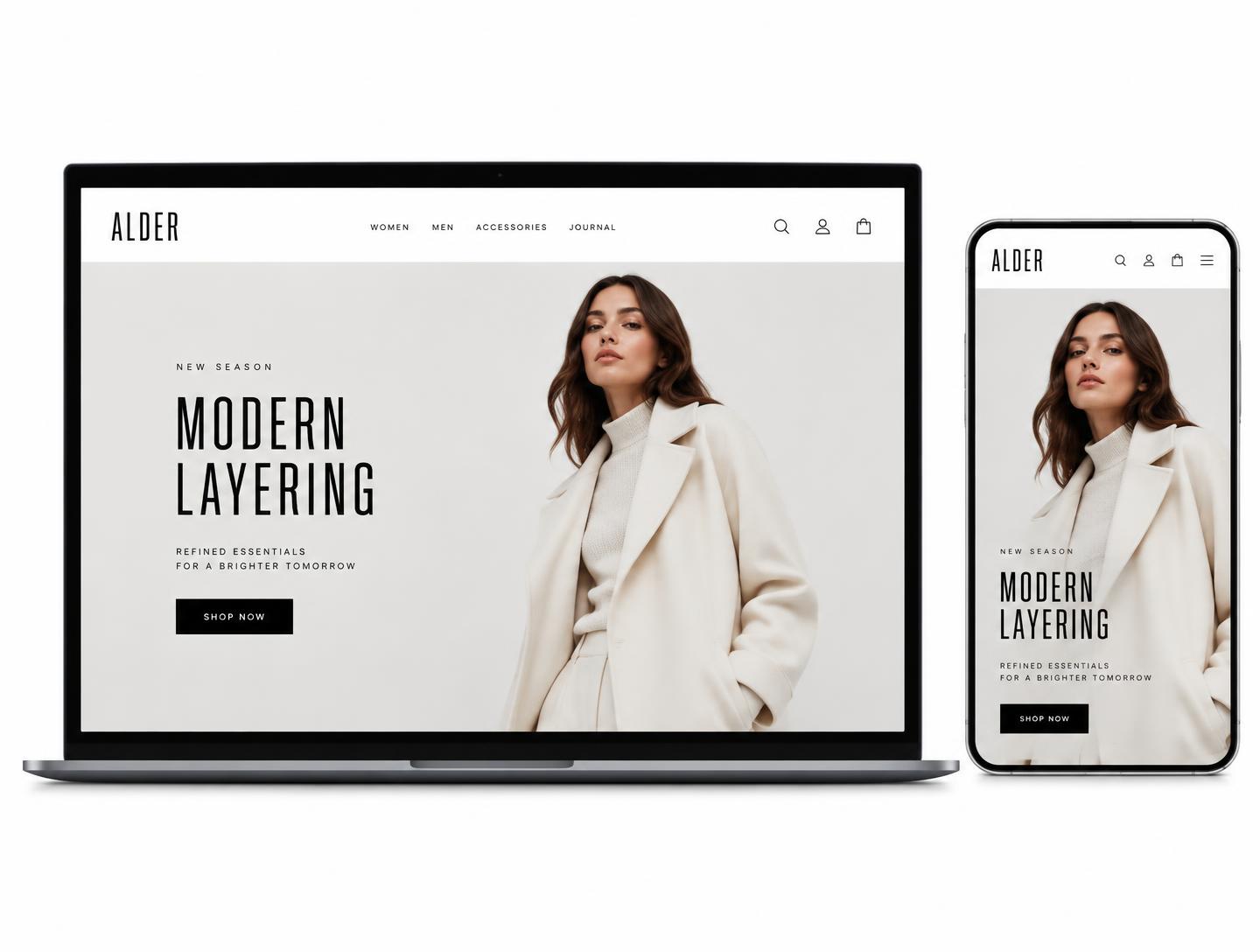
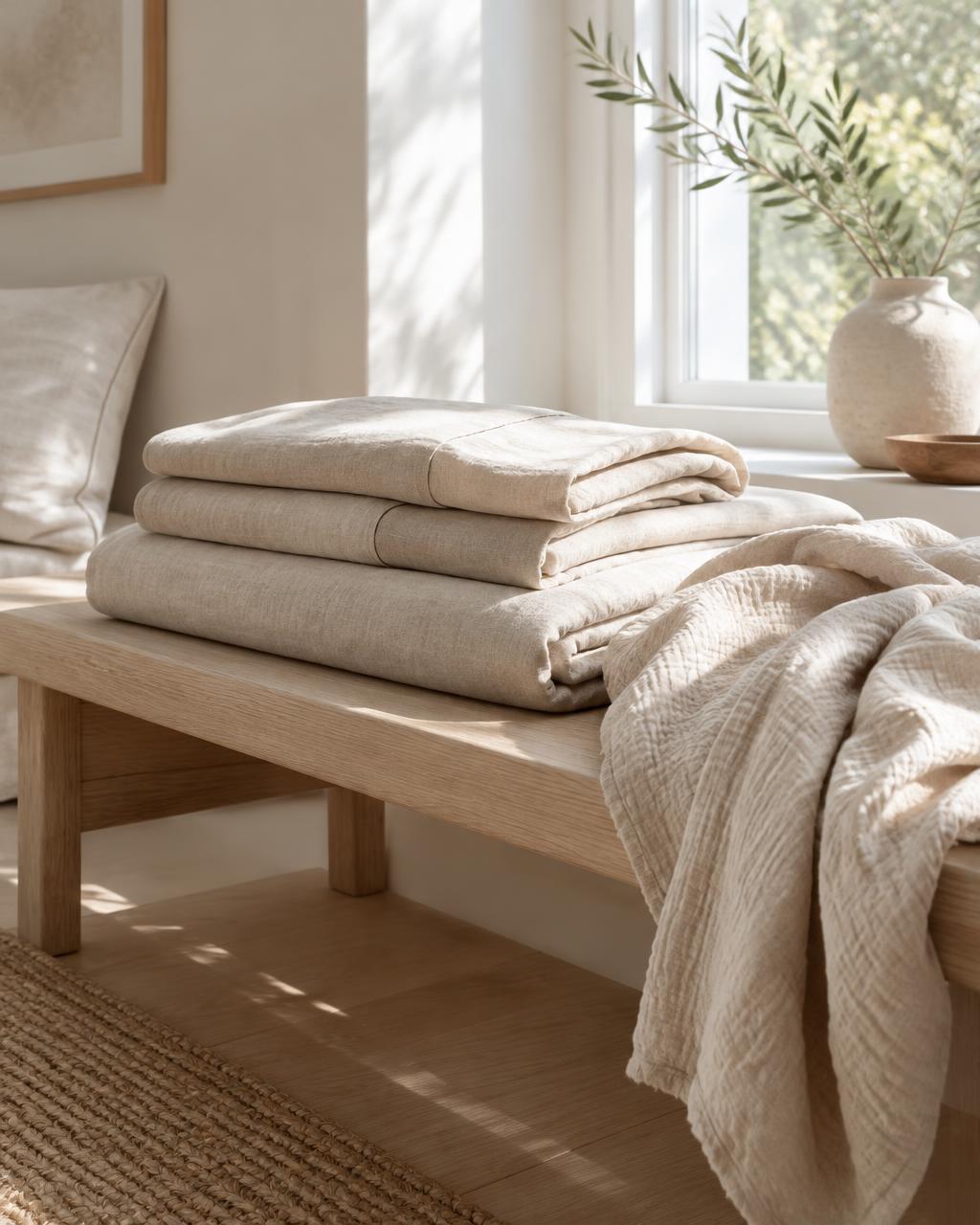
Made to last
Image with text: pair a photo with a short story about your materials, process or values.
Read moreJoin the list
All color schemes for Tangent
Values as they ship in Tangent 1.0.0. Change the preset above to compare.
Scheme 1
- Background#FFFFFF
- Text#000000
- Muted text#6B6B6B
- Surface#F6F6F6
- Border#E3E3E3
- Button#000000
- Button label#FFFFFF
- Accent#E2B232
Scheme 2
- Background#EEEBE5
- Text#1D1B18
- Muted text#69645C
- Surface#E5E1D9
- Border#D6D1C7
- Button#1D1B18
- Button label#EEEBE5
- Accent#1D1B18
Scheme 3
- Background#0E0E0E
- Text#F2F2F2
- Muted text#9A9A9A
- Surface#171717
- Border#2A2A2A
- Button#F2F2F2
- Button label#0E0E0E
- Accent#F2F2F2
Scheme 4
- Background#F6F6F6
- Text#000000
- Muted text#6B6B6B
- Surface#FFFFFF
- Border#E3E3E3
- Button#000000
- Button label#FFFFFF
- Accent#E2B232
Scheme 5
- Background#E2B232
- Text#000000
- Muted text#3D3220
- Surface#EBC352
- Border#C89A22
- Button#000000
- Button label#E2B232
- Accent#000000